




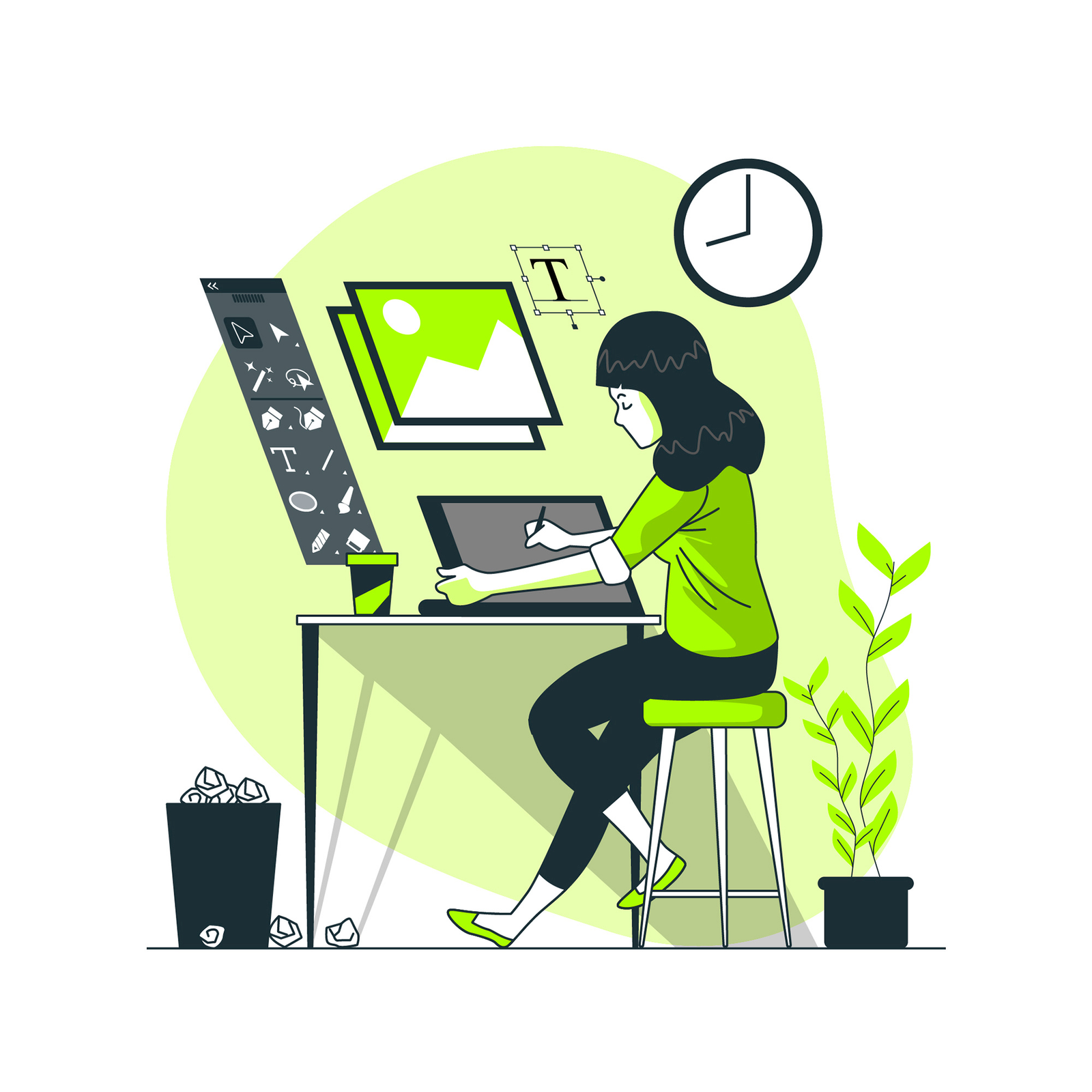
Unleash your creative potential with this comprehensive Photoshop course, designed for beginners and intermediate users. Learn how to use Photoshop’s powerful tools for photo editing, graphic design, digital art, and more. This course covers key features like layers, filters, masking, retouching, and text effects. Gain hands-on experience by working on real-world projects, including photo manipulation, creating posters, and enhancing images. By the end of this course, you’ll be able to create stunning visuals and refine your skills for professional or personal creative projects. Perfect for aspiring designers, photographers, and digital artists.
Master Adobe Photoshop with this complete course designed for beginners and intermediate learners. Photoshop is the industry-standard software used by graphic designers, photographers, and digital artists worldwide. Whether you want to enhance your photography, create stunning visuals, or design professional graphics, this course covers all the essential skills you need to get started. Key Learning Areas:
- Photoshop Interface: Learn the layout and tools of Photoshop, navigating the workspace efficiently.
- Working with Layers: Understand how to create, organize, and manipulate layers to build complex designs.
- Photo Editing and Retouching: Master techniques for enhancing, correcting, and retouching photos, including color correction, skin smoothing, and removing blemishes.
- Selection Tools: Use advanced selection tools like the pen tool, lasso tool, and quick selection for precise editing.
- Filters and Effects: Explore Photoshop’s filters and effects to create artistic designs and improve your images.
- Text and Typography: Learn how to work with text, apply effects, and create beautiful typography for your projects.
- Compositing and Manipulation: Combine multiple images to create compelling composites and photorealistic artwork.
- Exporting Files: Learn how to save and export your designs in various formats for print or digital use.
This hands-on course includes real-world projects, giving you the opportunity to practice and apply what you’ve learned. By the end, you’ll be proficient in Photoshop and ready to create professional-quality images, advertisements, graphics, and more for your personal or professional portfolio.